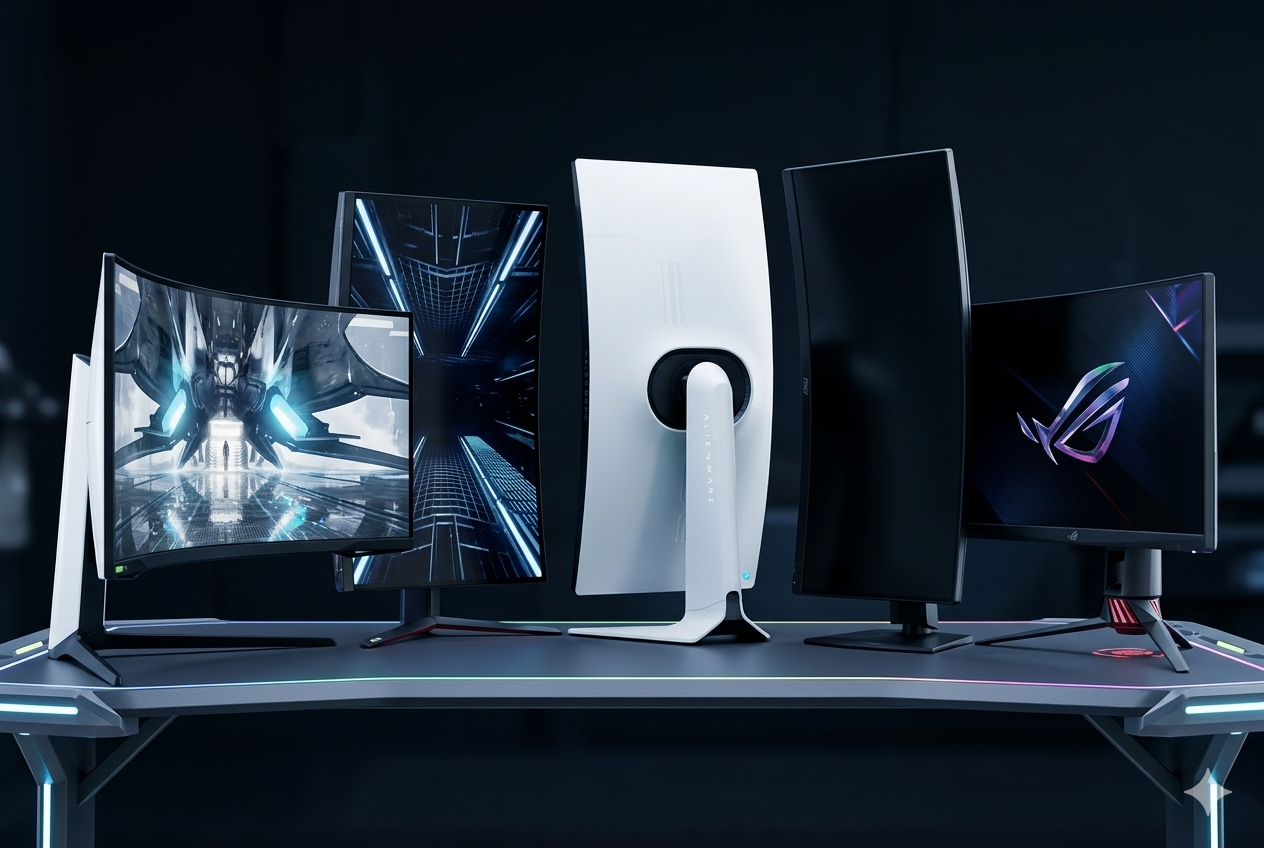
The landscape of PC gaming has been transformed by the rise of ultra-wide immersion and OLED panel technology. Modern curved monitors are no longer just about aesthetics; they are engineered to wrap around your peripheral vision, reducing eye strain and providing a competitive edge through massive refresh rates and near-instantaneous response times.
Whether you are looking for a desk-dominating 49-inch super-ultrawide or a high-pixel-density 34-inch powerhouse, these Amazon favorites prioritize fluid motion and vivid color accuracy.
Here are the 5 best curved gaming monitors you can find on Amazon right now, led by a massive dual-QHD champion for total game immersion.
| Model | Panel Type | Refresh Rate | Best For |
|---|---|---|---|
| Samsung | VA | 240Hz | Racing & Simulators |
| LG | OLED | 240Hz | Immersive Action |
| Alienware | QD-OLED | 165Hz | Competitive Play |
| MSI | QD-OLED | 144Hz | Cinematic Ultrawide |
| ASUS | OLED | 138Hz | Large Format Desk |
Samsung 49-Inch Odyssey G9 (G95C): The Super-Ultrawide Champion
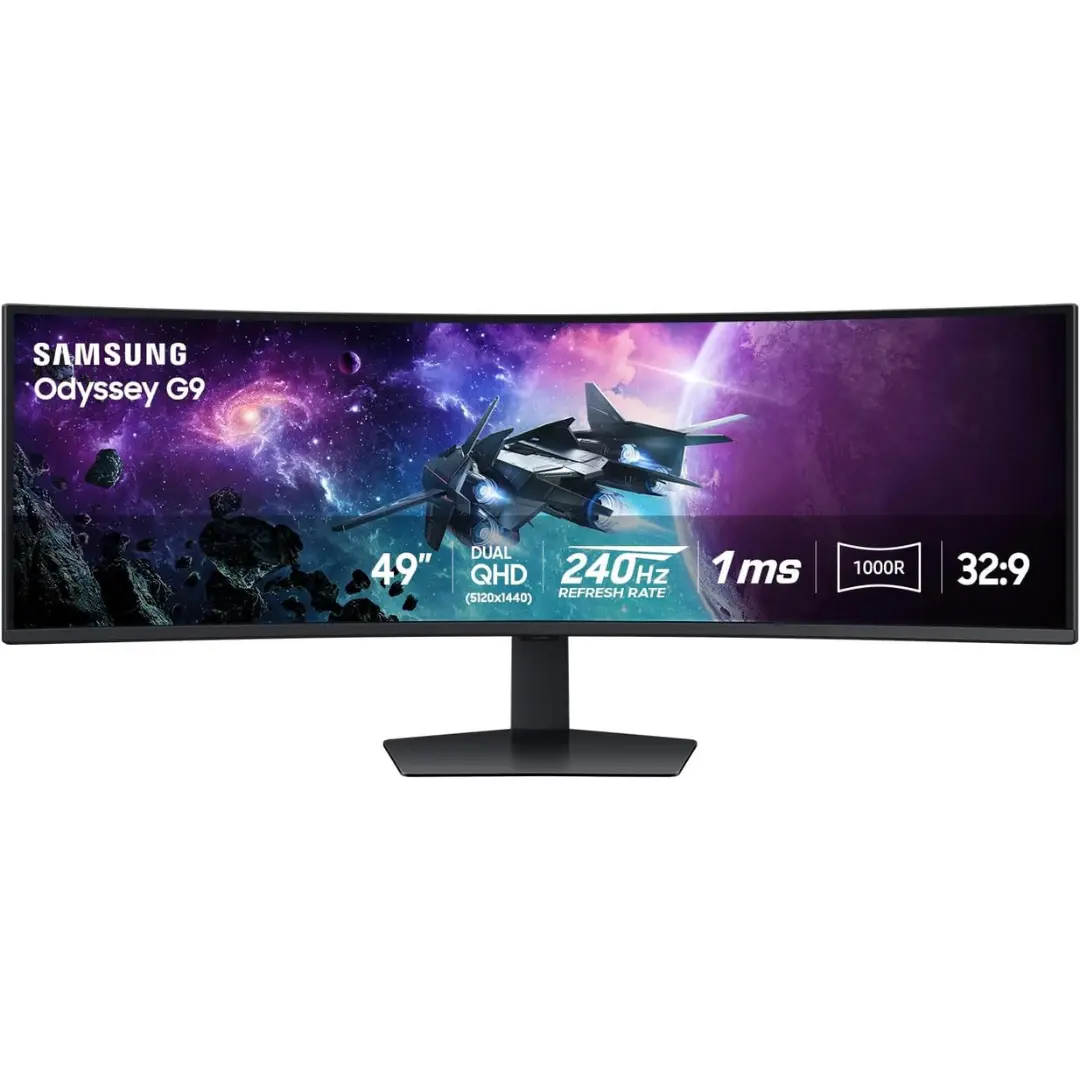
The Odyssey G9 remains a standout for its sheer scale and aggressive 1000R curvature, which matches the natural curve of the human eye. Its dual-QHD resolution is equivalent to having two 27-inch monitors side-by-side, but without the annoying bezels in the middle.
Pros
- Blazing 240Hz refresh rate ensures butter-smooth motion.
- 1000R curve provides the highest level of immersion for simulator games.
- VESA DisplayHDR 1000 delivers incredible peak brightness.
Cons
- The massive width requires a very sturdy and deep desk.
- High-performance graphics hardware is necessary to drive the resolution at maximum frames.
Check the Samsung 49-Inch Odyssey G9 (G95C) on Amazon
LG UltraGear 45GR95QE-B: The OLED Powerhouse
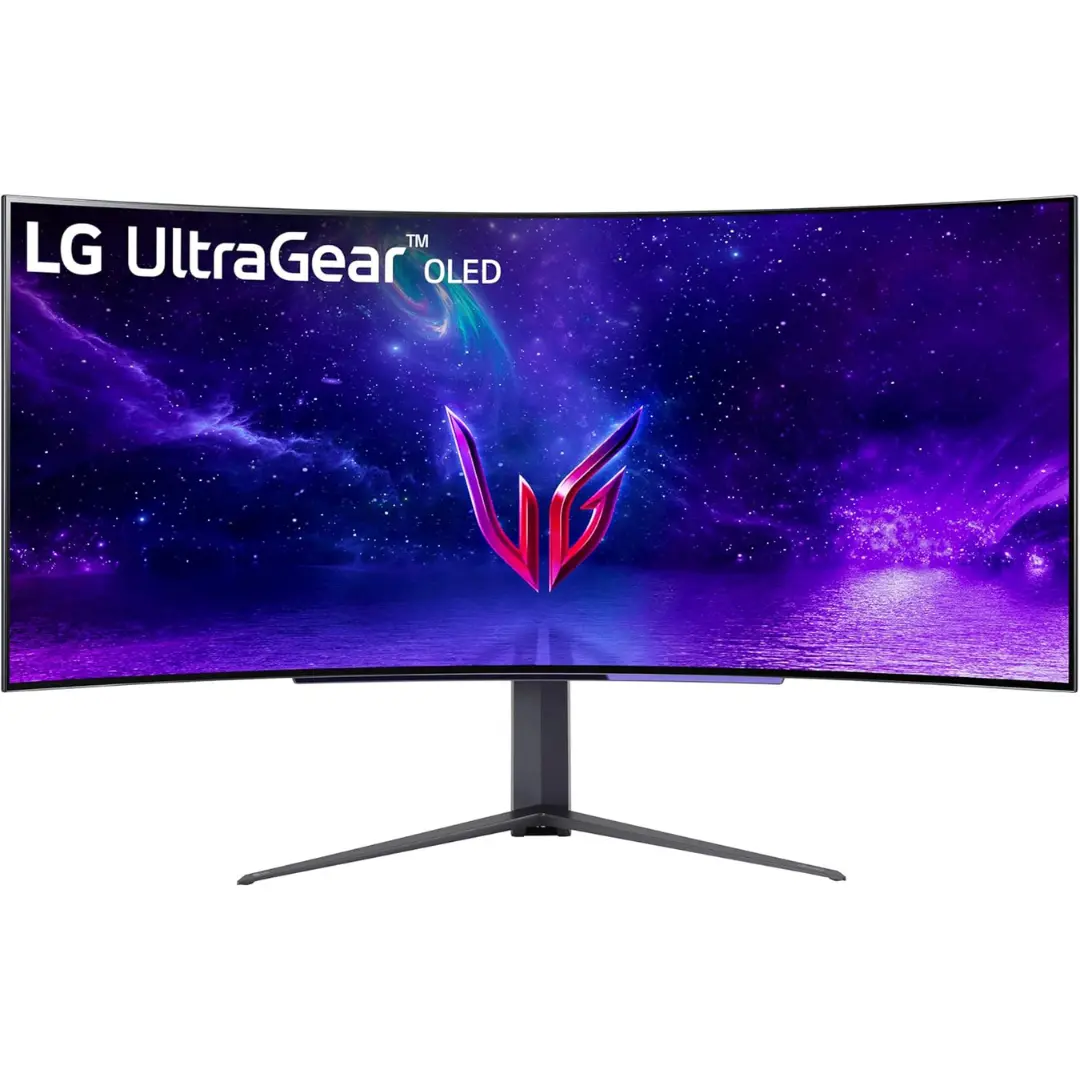
LG has pushed the boundaries of speed with this 45-inch curved OLED. It combines a deep 800R curve with the near-infinite contrast ratios that only OLED can provide, making every shadow and explosion in your favorite games look startlingly realistic.
Pros
- Lightning-fast 0.03ms response time virtually eliminates motion blur.
- High 240Hz refresh rate is a rarity for such a large panel.
- Anti-glare coating is excellent for daytime gaming.
Cons
- The 800R curve is very aggressive and may take a few days to get used to.
- Text clarity can be lower than traditional monitors due to the sub-pixel layout.
Check the LG UltraGear 45GR95QE-B on Amazon
Alienware AW3423DWF QD-OLED: The Professional Favorite
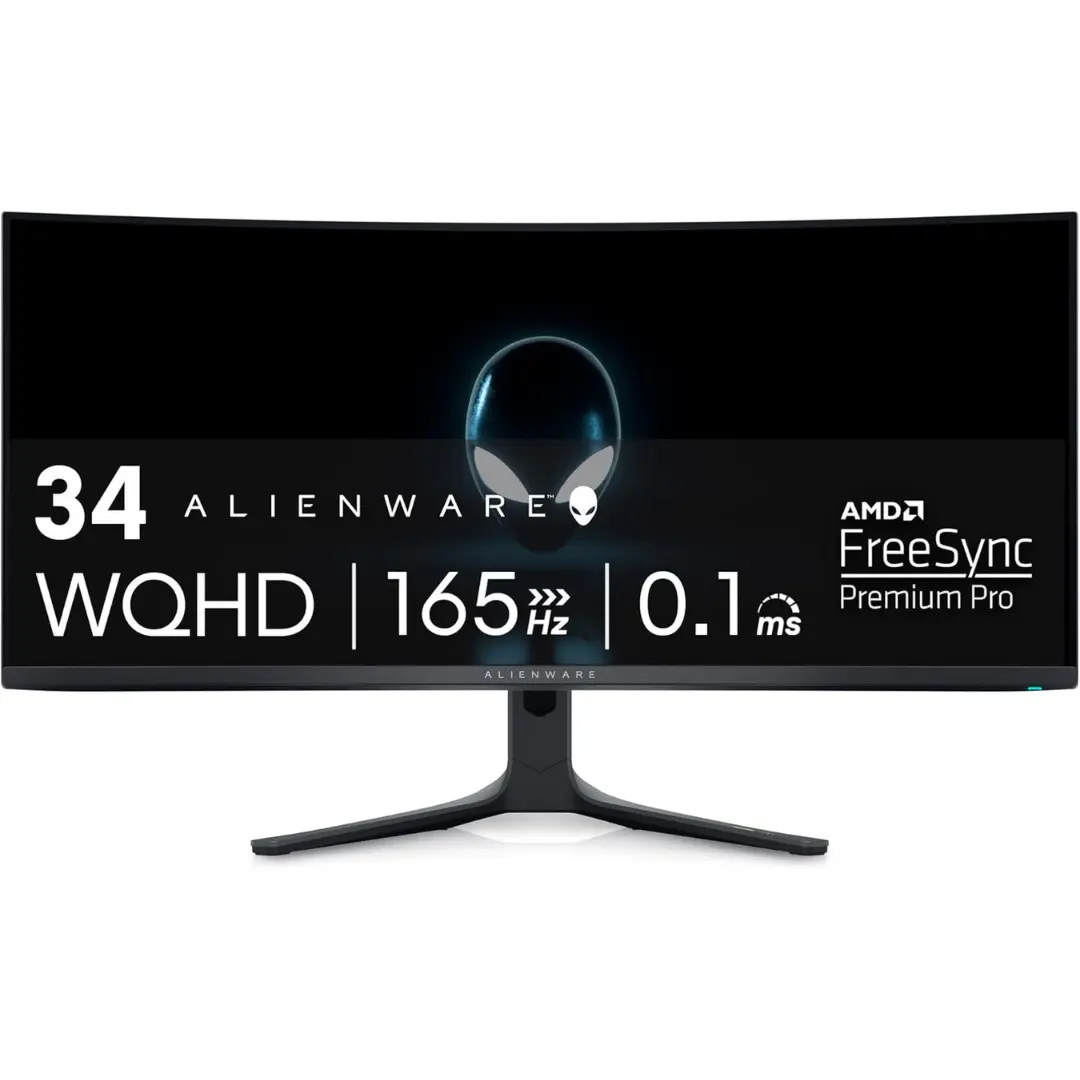
This monitor has become a legendary choice for gamers who want the perfect balance of size and performance. By utilizing Quantum Dot OLED technology, it delivers colors that are more vibrant and saturated than standard OLEDs while maintaining perfect blacks.
Pros
- Industry-leading color accuracy with 99.3% DCI-P3 coverage.
- Sleek Legend 2.0 design features 360-degree ventilation.
- Significantly more affordable than its super-ultrawide competitors.
Cons
- The 165Hz refresh rate, while fast, is lower than the 240Hz offered by Samsung or LG.
- The 21:9 aspect ratio is not supported by some older or indie game titles.
Check the Alienware AW3423DWF QD-OLED on Amazon
MSI MPG 491CQP QD-OLED: The Cinematic Giant
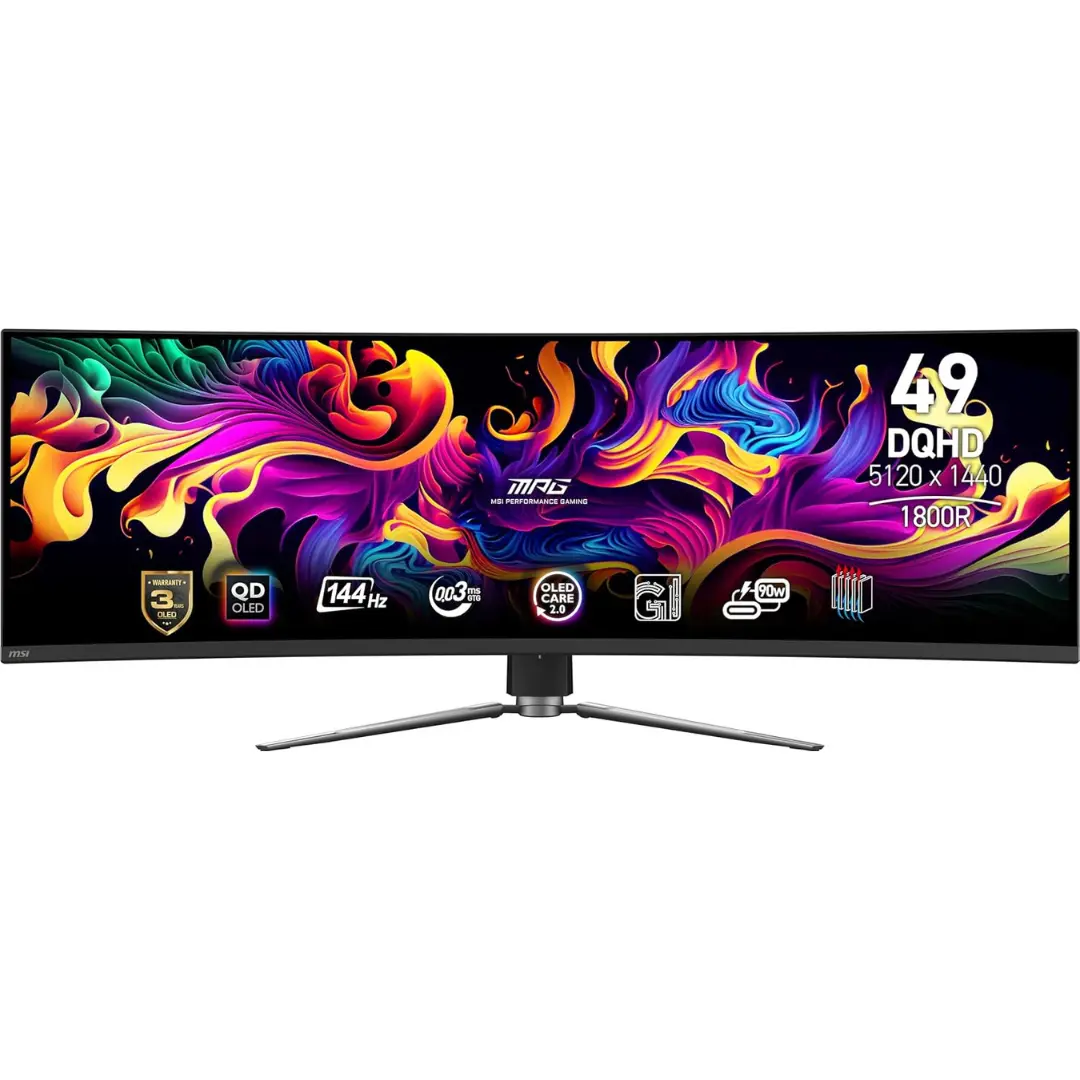
If you want the size of the Odyssey G9 but the superior picture quality of QD-OLED, the MSI 491CQP is a top-tier selection. It features a fanless design with a custom graphene heatsink to ensure silent operation and a long panel life.
Pros
- Combined QD-OLED tech provides incredible color depth and HDR performance.
- Includes KVM switch functionality for controlling two PCs with one mouse/keyboard.
- Comes with a specialized 3-year burn-in warranty.
Cons
- Refresh rate is capped at 144Hz, which may feel like a step back for professional esports players.
- The 1800R curve is much subtler than the Samsung G9.
Check the MSI MPG 491CQP QD-OLED on Amazon
ASUS ROG Swift OLED PG42UQ: The Desktop King
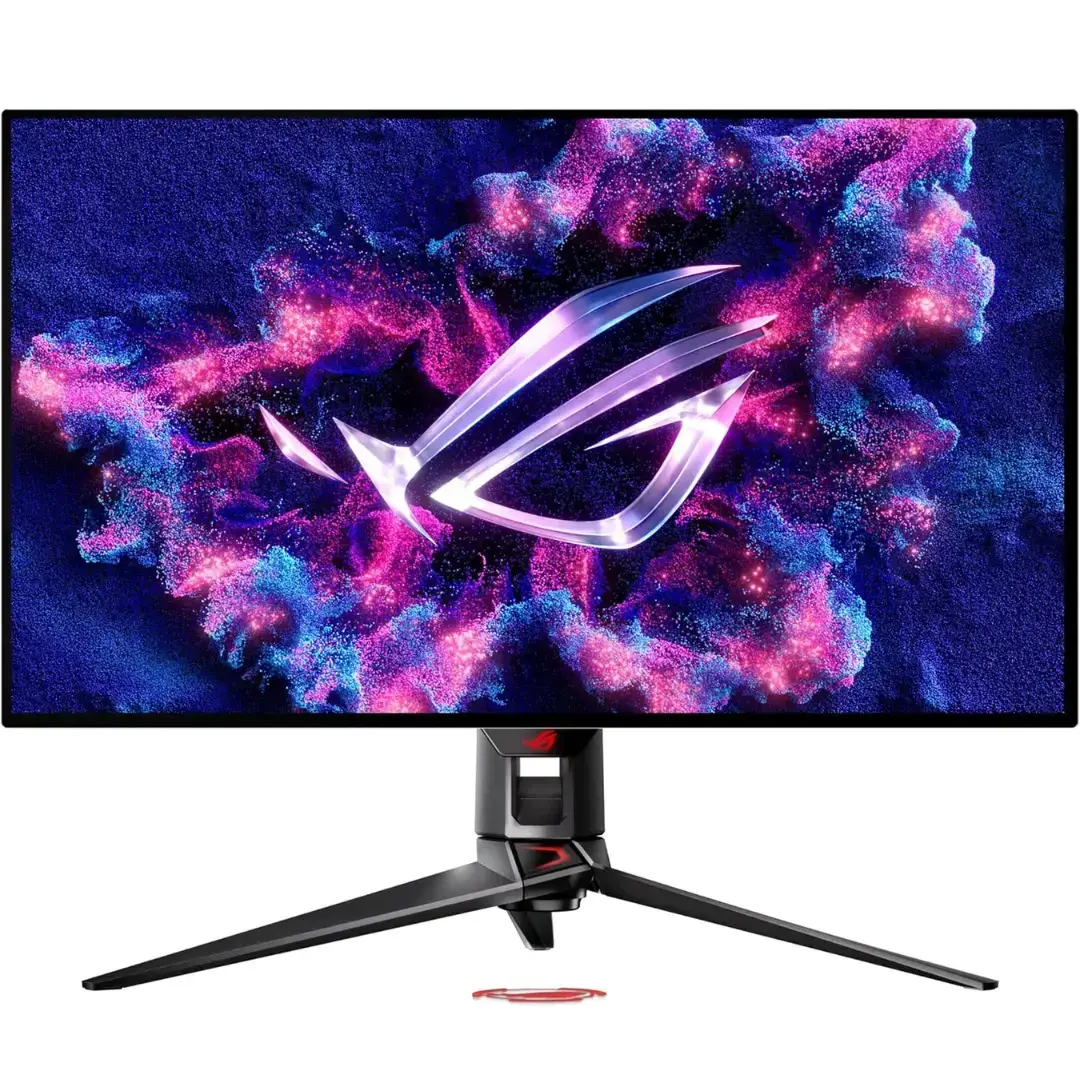
The PG42UQ is designed for those who want a massive screen that still feels like a monitor rather than a TV. Its 4K OLED panel provides incredible detail, making it the definitive choice for gamers who switch between high-intensity PC titles and 4K console gaming.
Pros
- Features a custom heatsink that keeps the panel cool and maintains brightness.
- Includes two HDMI 2.1 ports for full 4K/120Hz support on PS5 and Xbox Series X.
- Anti-glare micro-texture coating reduces distractions.
Cons
- Not ultra-wide (16:9 aspect ratio), so it lacks the peripheral wrap of the G9 or Alienware.
- The 138Hz overclocked refresh rate is the lowest on this list.
Check the ASUS ROG Swift OLED PG42UQ on Amazon
The Secret to Proper Alignment
When setting up a curved monitor like the Samsung Odyssey G9, the key to comfort is the focal distance. Because the screen wraps around you, you should position yourself so that every part of the screen is roughly the same distance from your eyes.
For a 1000R curve, your eyes should be approximately one meter (about 39 inches) away from the center of the screen. This positioning ensures that the light from the edges hits your eyes at the same angle as the light from the center, which significantly reduces the eye-muscle strain caused by constantly refocusing. If you sit too close, the edges can appear distorted; if you sit too far, the immersion effect of the curve is lost.
Best Overall
For the gamer who wants to be completely lost in another world, the Samsung Odyssey G9 (G95C) is the most definitive selection for a total simulator or adventure setup. While OLED technology offers superior contrast, the G9’s unique combination of 240Hz speed, 1000R curve, and massive 49-inch dual-QHD resolution provides a panoramic experience that traditional screens simply cannot replicate.
It is the foundational tool for anyone looking to replace a multi-monitor setup with a single, seamless, and high-velocity display that covers your entire field of view.
Frequently Asked Questions
What does the R stand for in curvature (e.g., 1000R)?
The R stands for radius in millimeters. A 1000R curve means that if you placed enough of these monitors together to form a complete circle, that circle would have a radius of 1000mm. A lower number means a tighter, more aggressive curve.
Will my graphics card work with a 49-inch monitor?
A 49-inch dual-QHD monitor has almost as many pixels as a 4K screen. To get the most out of the Samsung G9 or MSI 491CQP, you will generally need a high-end card like an NVIDIA RTX 3080/4070 or better to maintain high frame rates.
What is the risk of burn-in on OLED monitors?
OLED burn-in can occur if static images (like a taskbar or game HUD) are left on screen for thousands of hours. However, modern monitors like the MSI MPG 491CQP and ASUS ROG Swift feature “OLED Care” technology and large heatsinks to significantly reduce this risk.
Do curved monitors help with productivity?
Absolutely. The extra horizontal space on ultrawide monitors like the Alienware or LG 45″ allows you to have three or four full-sized windows open at once, which is a massive boost for video editing, coding, or managing multiple documents.
Can I use these monitors for console gaming?
Yes, but with a catch. Consoles like the PS5 do not support ultrawide (21:9 or 32:9) aspect ratios. You will either see black bars on the sides or a stretched image. For a console-first setup, the ASUS ROG Swift PG42UQ is a better choice as it uses the standard 16:9 ratio.