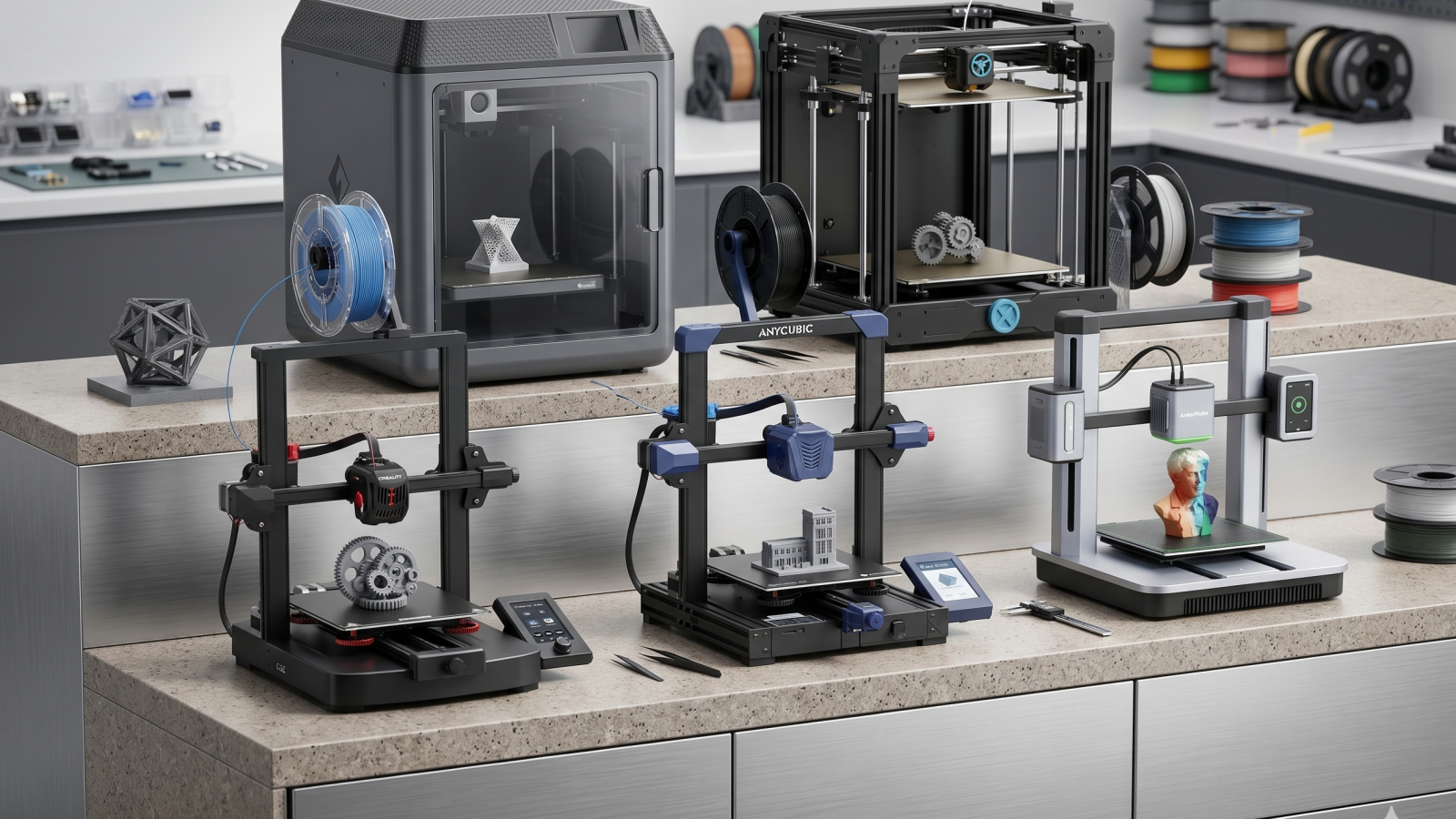
The days of spending hours leveling a bed and troubleshooting spaghetti prints are fading. The latest generation of consumer 3D printers focuses on “out-of-the-box” usability, utilizing CoreXY motion systems and AI-assisted calibration to deliver professional results at incredible speeds.
These machines are engineered to handle everything from rapid prototyping to intricate hobbyist models, providing a seamless bridge between a digital file and a physical object. Whether you need a compact desk companion or a high-speed workhorse with multicolor capabilities, these Amazon favorites prioritize reliability and user-friendly software.
Here are the 5 best 3D printers you can find on Amazon right now, led by a versatile favorite for high-speed precision.
| Model | Format | Auto-Leveling | Best For |
|---|---|---|---|
| Flashforge AD5X | CoreXY / Open | Yes | High-Speed Versatility |
| Sovol SV08 | CoreXY / Large | Yes | Large Scale Projects |
| Creality Ender 3 V3 KE | Bed Slinger | Yes | Budget Performance |
| Anycubic Kobra 3 | Bed Slinger | Yes | Multicolor Potential |
| AnkerMake M5C | Bed Slinger | Yes | One-Click Efficiency |
Flashforge Adventurer 5M (AD5X): The Versatile Speedster
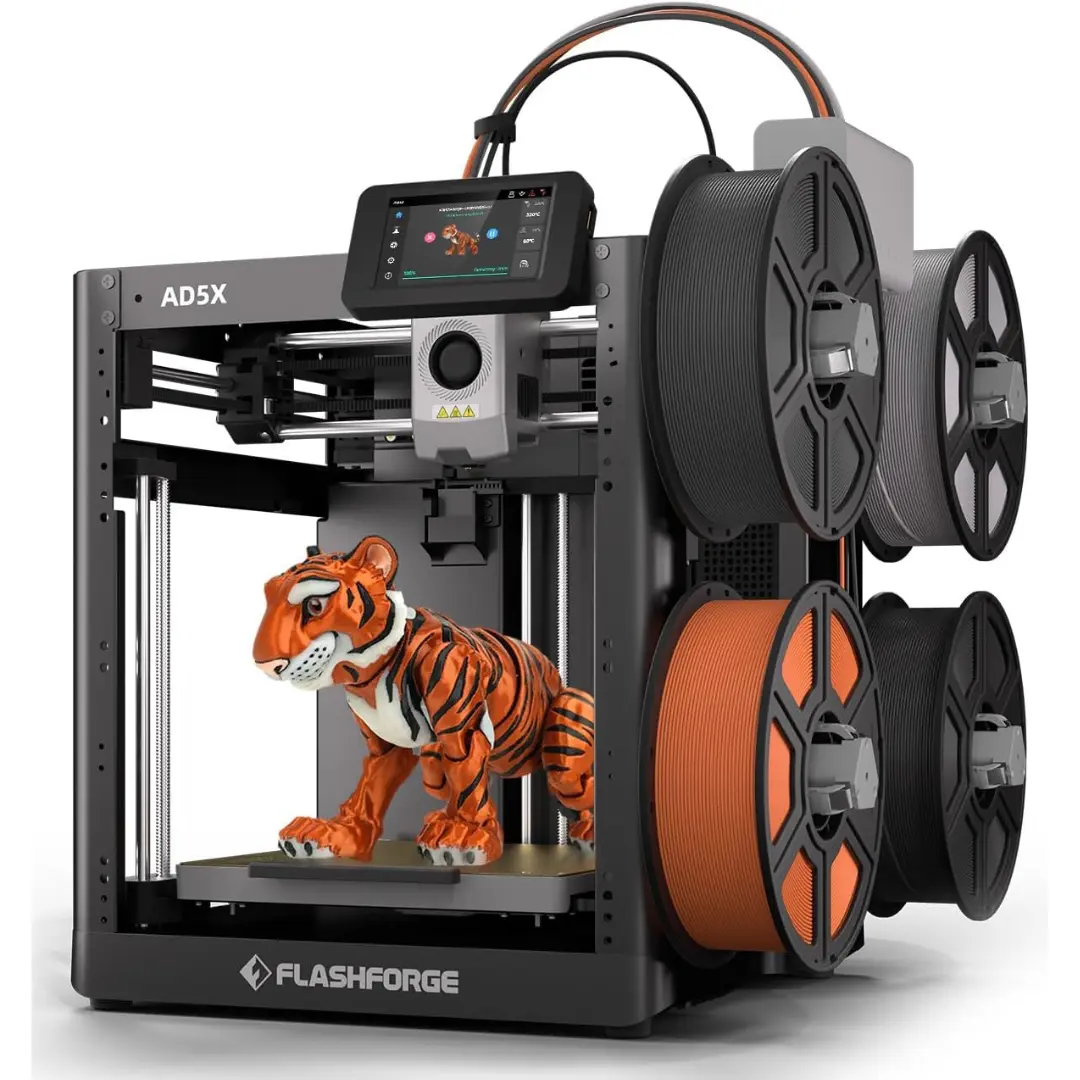
The Flashforge AD5X is a standout for users who want industrial-grade speed in a beginner-friendly package. Utilizing a stable CoreXY structure, it hits speeds of up to 600mm/s, allowing you to finish a “Benchy” in under 15 minutes. Its quick-release nozzle system makes maintenance a breeze for those who aren’t tech-savvy.
Pros
- Ships fully assembled and levels itself automatically.
- Incredibly fast 20,000mm/s² acceleration.
- Quick-swap nozzles allow for easy switching between detail and speed.
Cons
- The open-frame design means it is louder than enclosed models.
- Not ideal for high-temp materials like ABS without a DIY enclosure.
Check the Flashforge AD5X on Amazon
Sovol SV08: The Large-Scale Legend
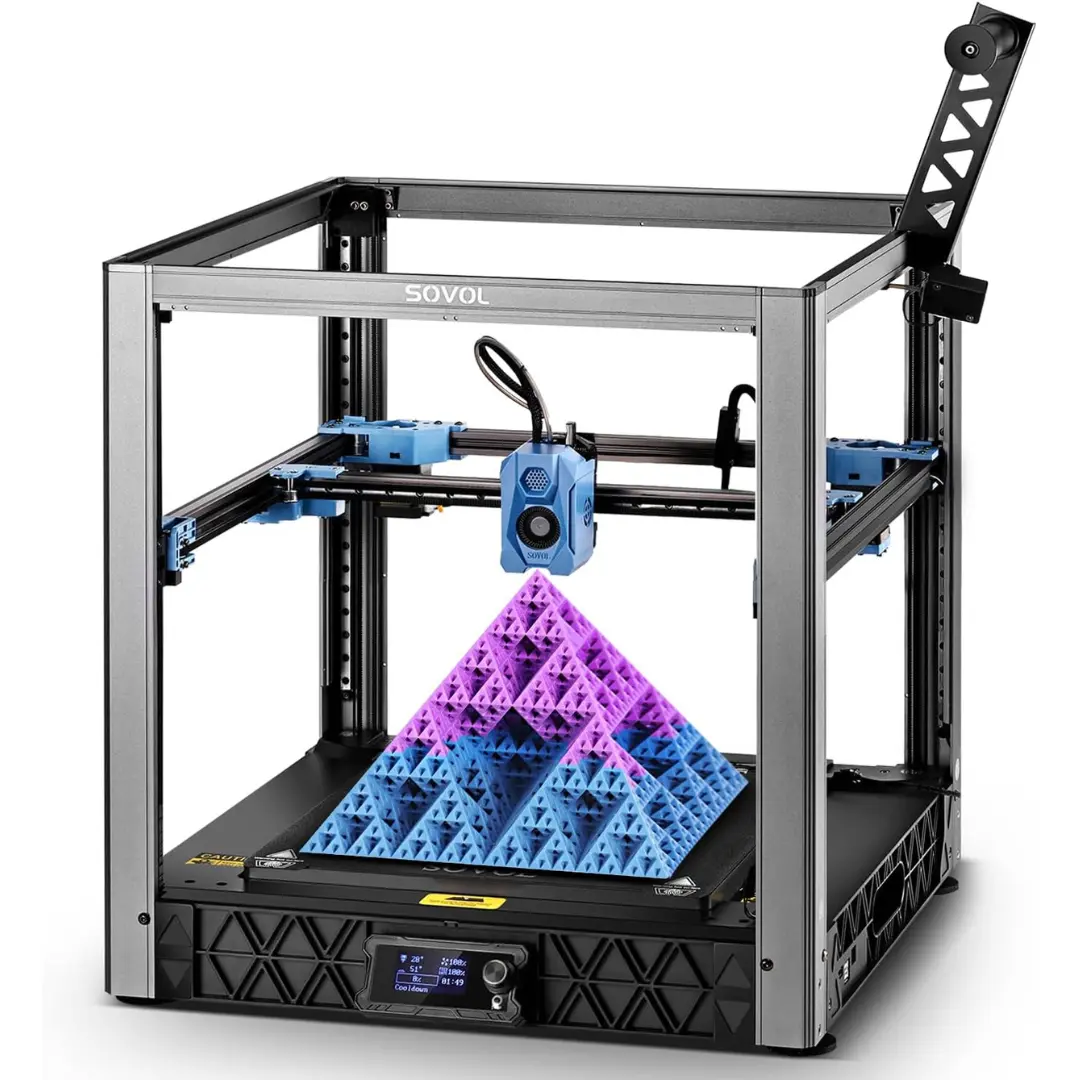
The Sovol SV08 is the go-to choice for makers who need significant build volume (350x350x345mm) without sacrificing speed. Based on the open-source Voron 2.4 design, it uses a powerful Klipper-based system to deliver incredibly fast prints for its size, making it a favorite for those printing functional, large-scale parts.
Pros
- Massive build area for large functional parts.
- Independent Z-motor leveling for a perfect first layer.
- Runs on open-source Klipper for maximum customization.
Cons
- Requires more assembly and tuning knowledge than the Flashforge.
- The sheer size requires a dedicated, very sturdy workbench.
Check the Sovol SV08 on Amazon
Creality Ender 3 V3 KE: The Budget Powerhouse
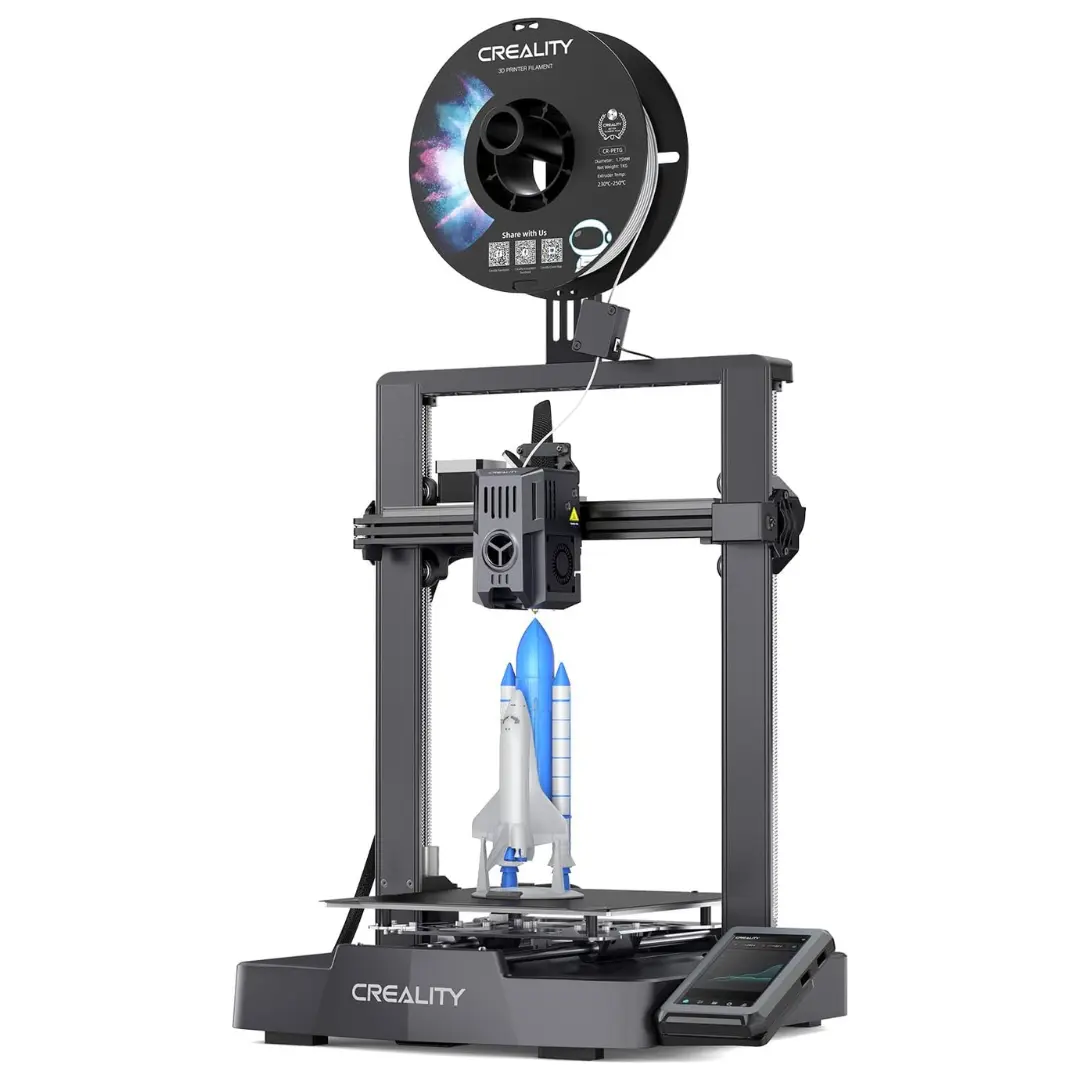
For the maker who wants the most “bang for their buck,” the Ender 3 V3 KE is the definitive selection. This unit bridges the gap between DIY hobbyist kits and high-end machines, featuring a smart UI and CR-Touch auto-leveling. It is a reliable workhorse that supports a wide variety of filaments including TPU and Nylon.
Pros
- Highly affordable while maintaining a 500mm/s top speed.
- Large community support for mods and troubleshooting.
- Features a 300°C high-temp nozzle.
Cons
- Requires more assembly compared to the Flashforge.
- The cooling fans can be quite loud during high-speed prints.
Check the Creality Ender 3 V3 KE on Amazon
Anycubic Kobra 3: The Color Specialist
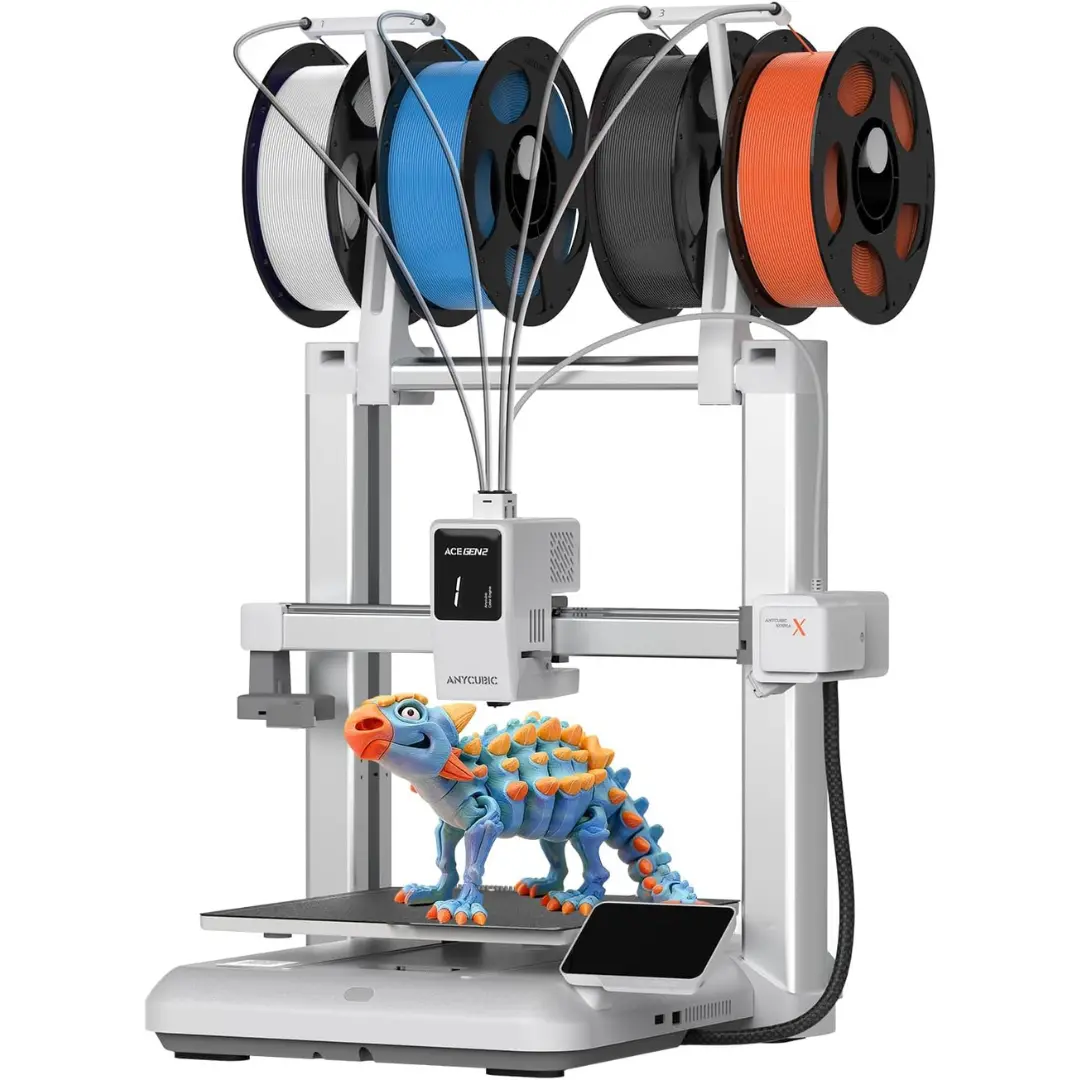
The Anycubic Kobra 3 is engineered for those who want to move beyond single-color prints. When paired with the ACE Pro system, it can handle up to 4 different colors in a single print. It also features an integrated drying system to keep your filament in peak condition while you print.
Pros
- Excellent for multi-material or multi-color projects.
- LeviQ 3.0 system makes first layers nearly perfect.
- ACE Pro box doubles as a high-quality filament dryer.
Cons
- Color swapping creates “purge waste” which can be messy.
- Proprietary software is required to get the most out of color features.
Check the Anycubic Kobra 3 on Amazon
AnkerMake M5C: The Minimalist Master
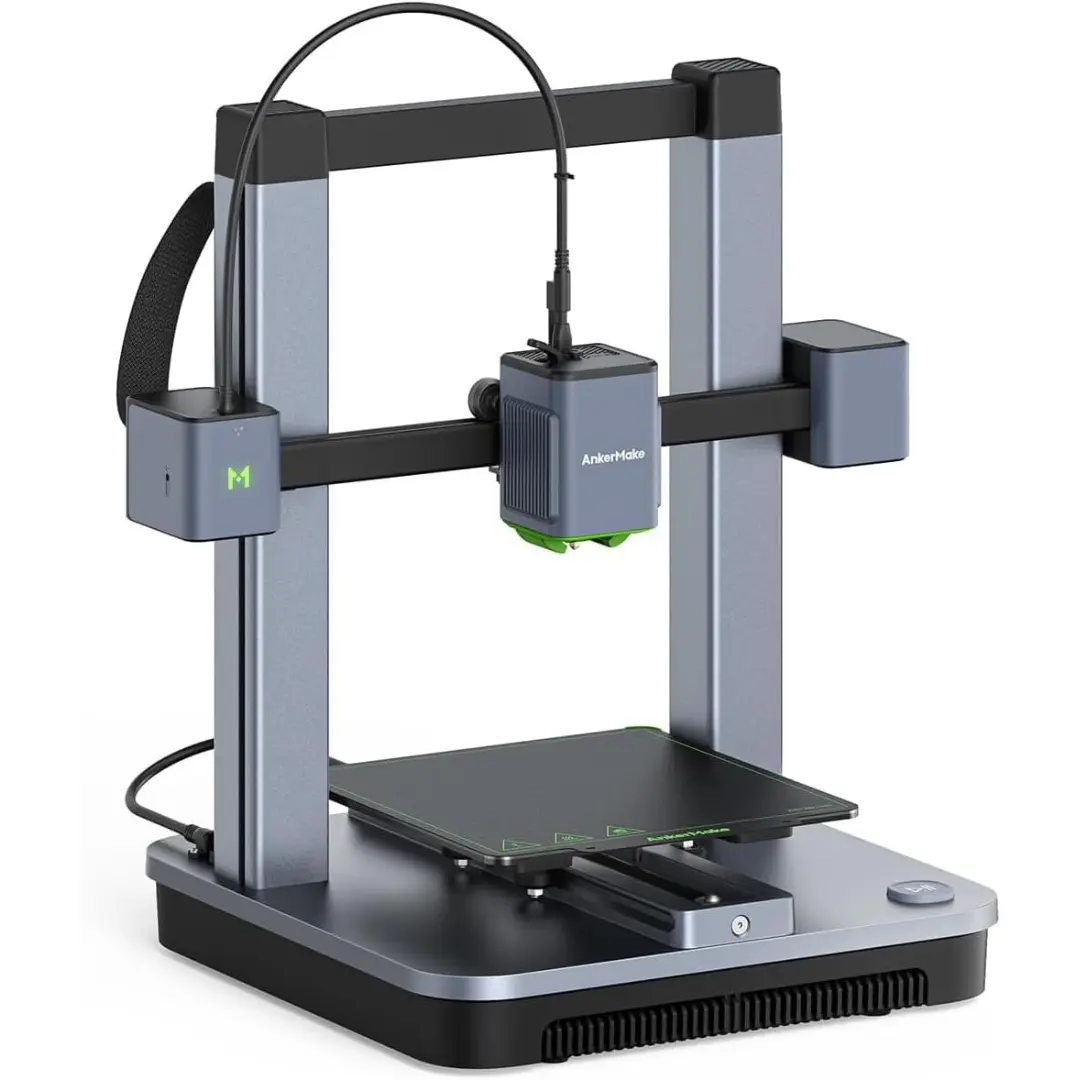
The AnkerMake M5C removes the complexity of 3D printing by ditching the traditional screen for a “one-button” user experience. Controlled primarily through a slick mobile app, it is designed for efficiency and speed, fitting perfectly into a modern, connected home environment.
Pros
- Extremely sturdy all-aluminum construction.
- Very high print resolution.
- One-click printing via the AnkerMake app is incredibly intuitive for beginners.
Cons
- Lack of an on-device screen means you must have your phone or PC nearby to make adjustments.
- No built-in camera for remote monitoring.
Check the AnkerMake M5C on Amazon
The Secret to First-Layer Perfection
The most effective way to ensure a successful print isn’t just to trust the auto-leveling; it is to maintain your build plate. For the best adhesion, wipe the PEI sheet with 90% Isopropyl Alcohol before every print. If you find prints are curling at the edges, especially with larger models, a thin layer of glue stick or a “brim” in your slicer settings can save a 10-hour job from failing.
Best Overall
For the person seeking the most balanced entry into 3D printing, the Flashforge Adventurer 5M (AD5X) is the definitive selection for a complete home workshop. Its combination of a rigid CoreXY frame and a no-tinker setup provides a level of reliability that budget bedslingers simply cannot match, allowing you to focus on your designs rather than the hardware.
Frequently Asked Questions
How hard is it to learn the software?
Most modern printers use slicers like OrcaSlicer or FlashPrint that have “Standard” profiles. You simply drag your 3D file into the software and click “Slice.” No engineering degree required.
Is 3D printing expensive to maintain?
Beyond the cost of filament, maintenance is minimal. Standard brass nozzles are the main consumable, usually needing replacement every 3 to 6 months depending on how often you print.
Can I leave the printer running while I am away?
While many of these models have safety sensors, it is best practice to use a Wi-Fi camera to monitor your progress. The AnkerMake and Flashforge models have excellent app integration for remote monitoring.
Is it safe to print indoors?
When printing with PLA (the most common filament), emissions are very low and generally safe for home use. However, it is always recommended to print in a well-ventilated room.
Do I need to be good at 3D modeling?
Not at all. While learning CAD is a great skill, you can download millions of ready-to-print models for free from sites like Printables or Thingiverse.